There are two types of suppliers on the GoodJourney.io platform:
- In-House Suppliers
- External Suppliers
In-House Suppliers
Payout management does not apply because these drivers are paid directly under the Driver Payout Management module.
External Suppliers — Bank Setup
External suppliers must add their bank information to receive payouts:
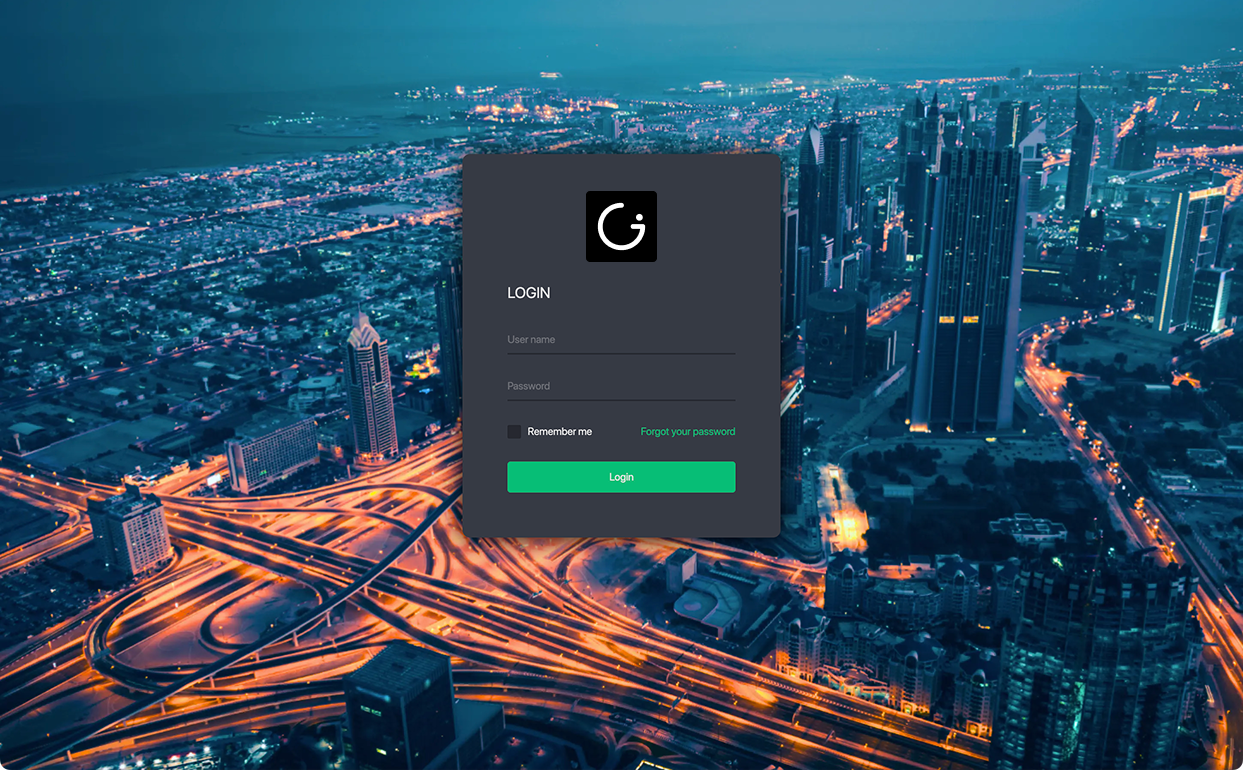
- Log in to the Supplier Portal.
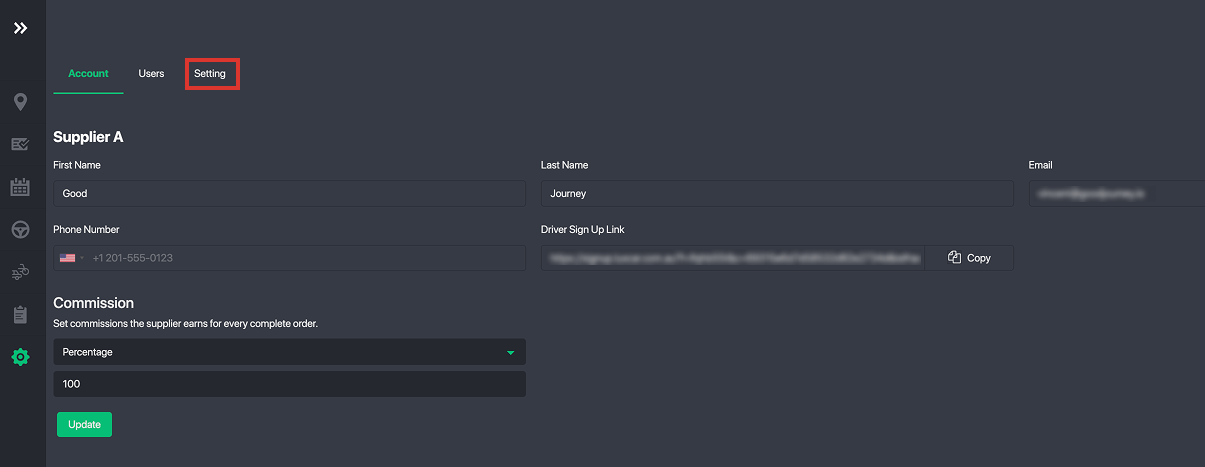
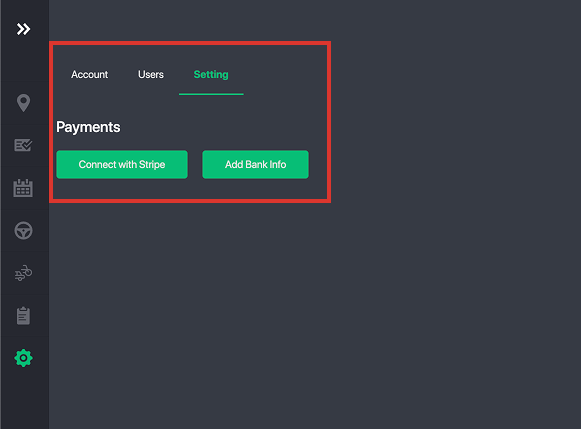
- Go to Settings > Setting Tab.
- Add bank info manually or connect using Stripe Connect for automatic payouts.
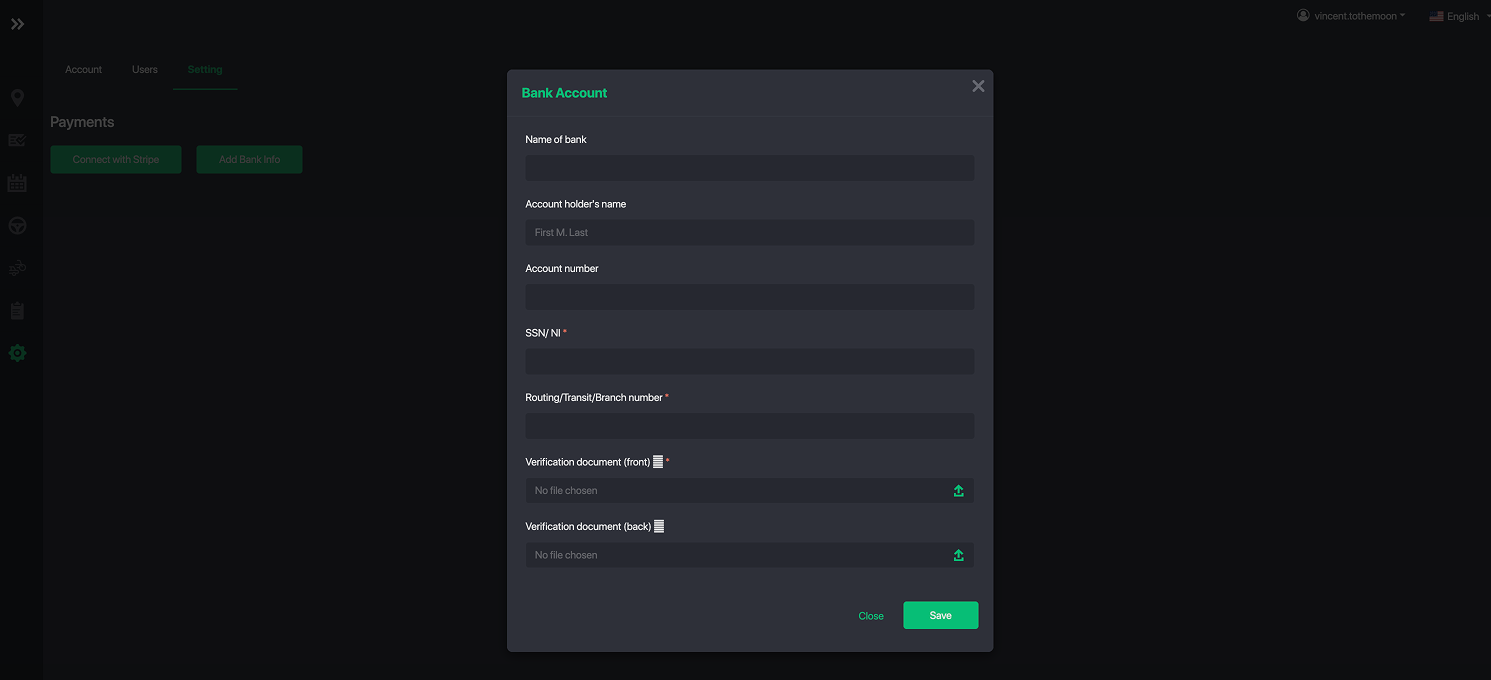
For Manual Payout, just update bank info:
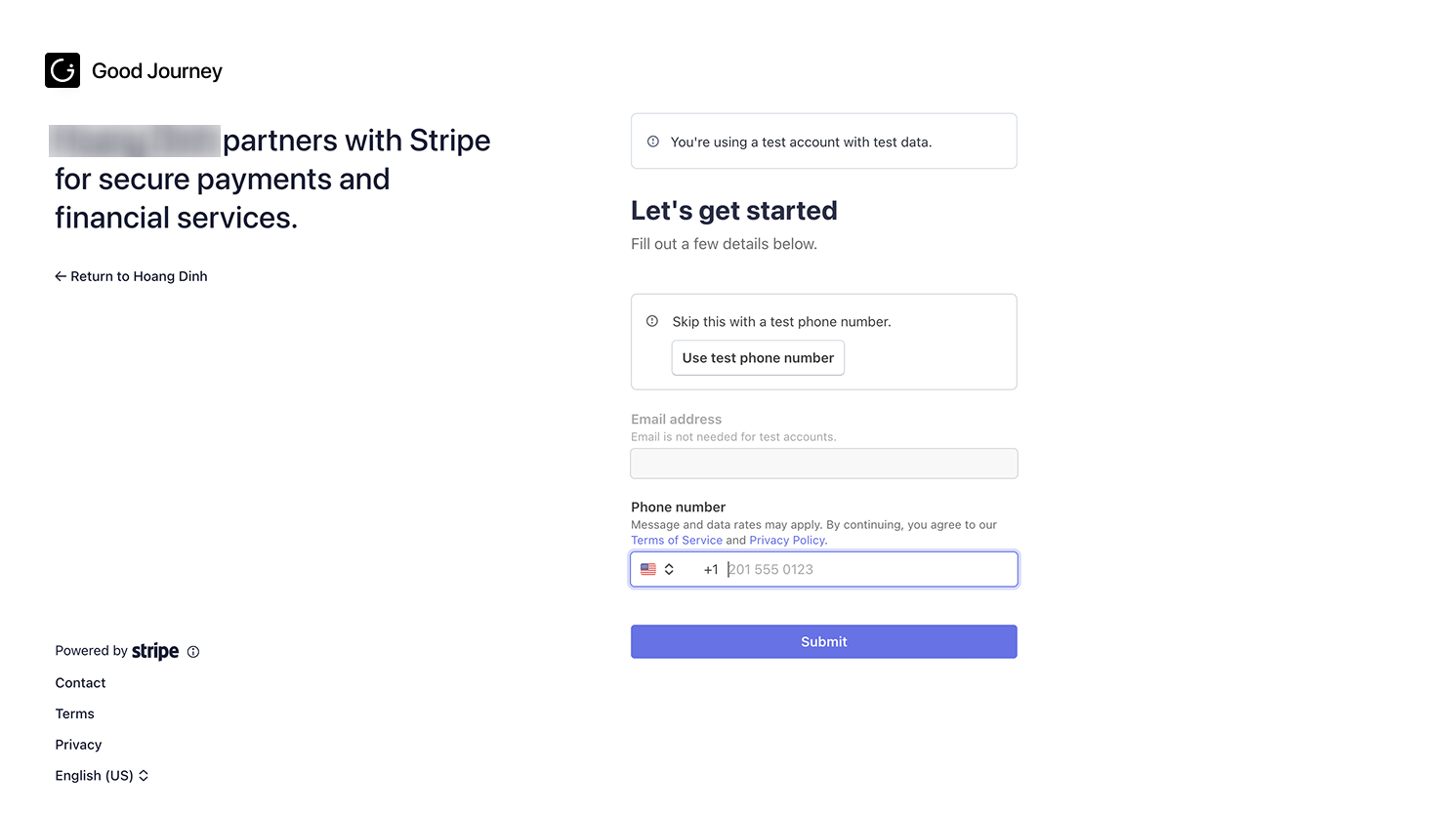
For Auto Payout via Stripe Connect, create or register your stripe connect account:
Fleet Operator Support
Fleet operators can also add or update a supplier’s bank information directly from the supplier’s profile.
Was this article helpful?
That’s Great!
Thank you for your feedback
Sorry! We couldn't be helpful
Thank you for your feedback
Feedback sent
We appreciate your effort and will try to fix the article