Here is a quick overview of all the features in the Driver App:
Job List
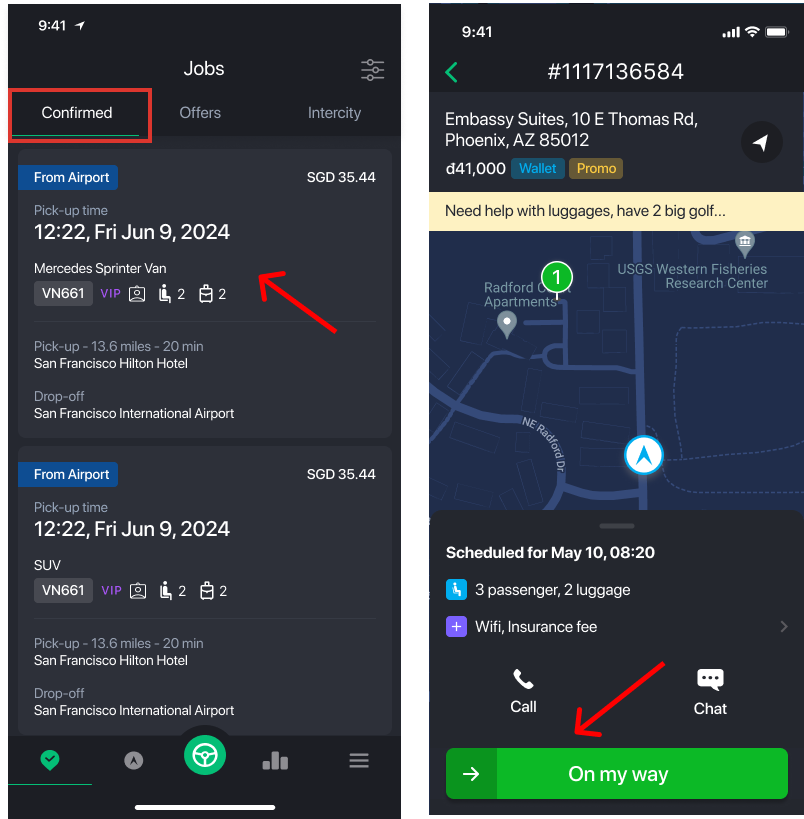
Confirmed List
Jobs already assigned to you. You are required to complete these. You can tap on a job to open the booking details and swipe to begin the trip.
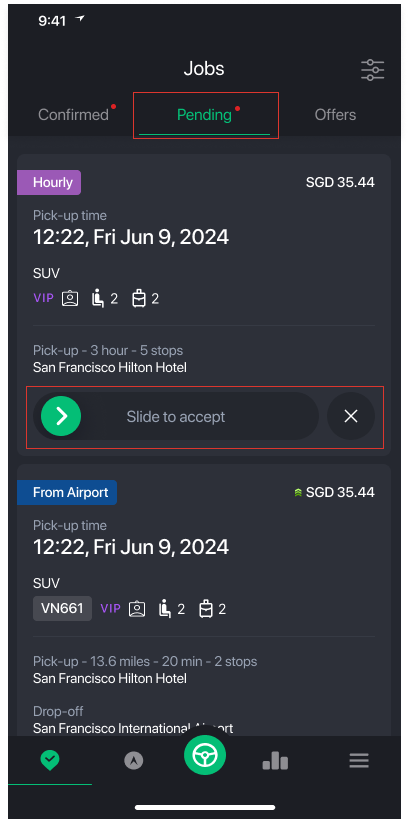
Pending Offers
Jobs offered to you. You can accept or reject these.
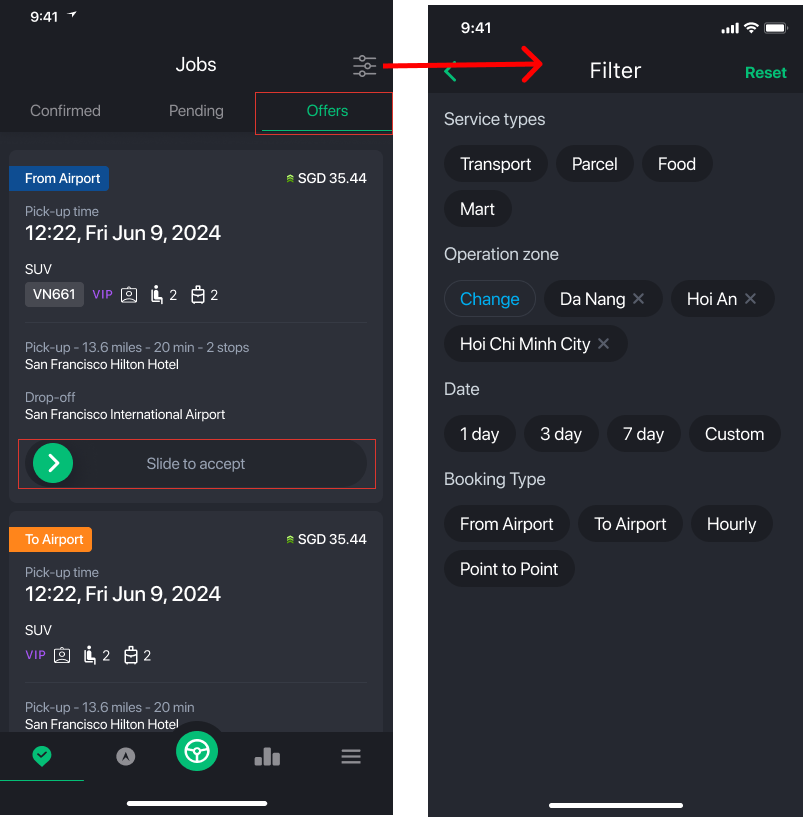
Marketplace
Public jobs available for any eligible driver to accept.
Auto Dispatch Jobs
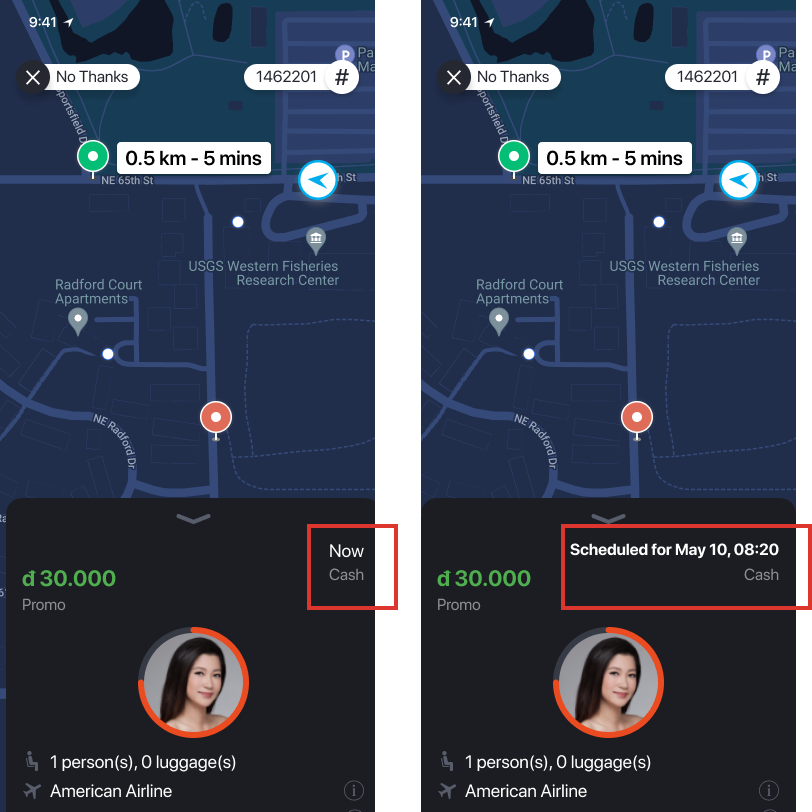
Sometimes the operator needs a driver immediately. In these cases, you may receive an auto-dispatch notification.
- On-Demand – Immediate trips that start right away.
- Reservation – Pre-scheduled bookings. Keep track of the pickup date and time.
Map View
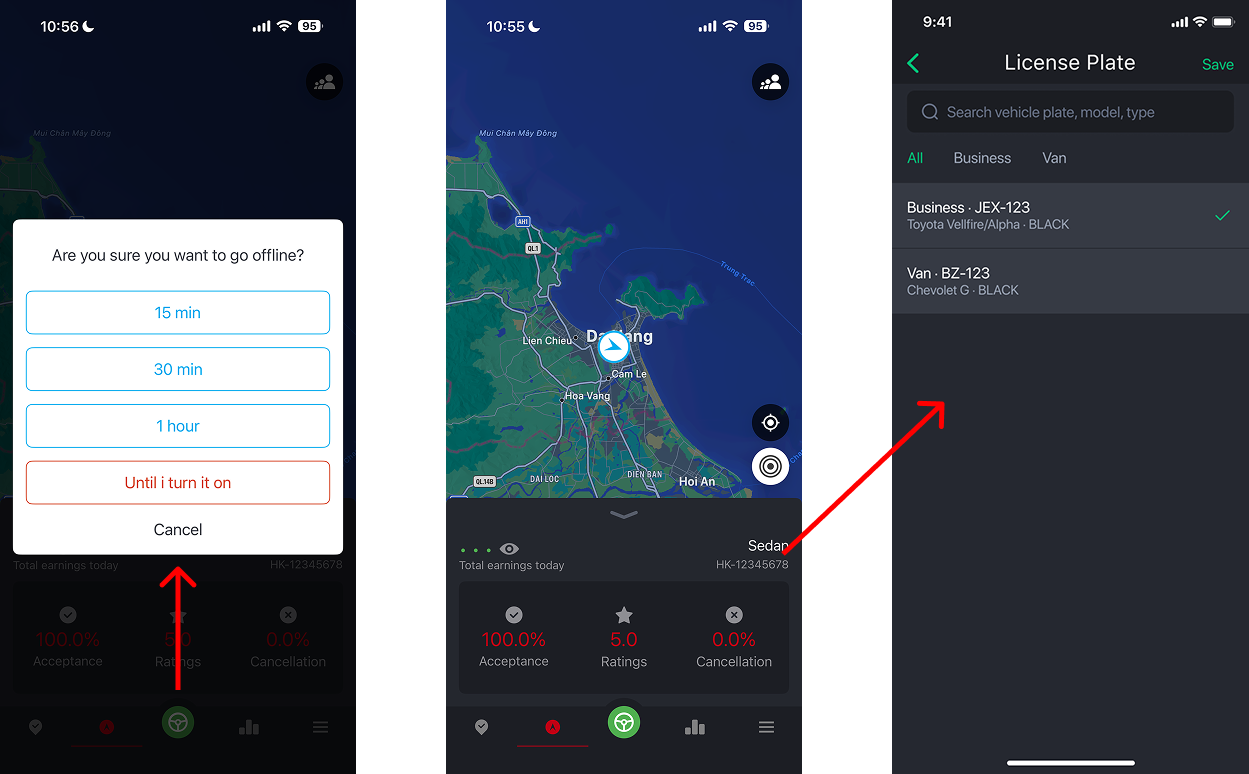
View your current location and tap the heat map icon to see high-demand areas for on-demand trips.
Driver Info Tab
Here you can view:
- Your total earnings for today
- Your currently selected vehicle
- If multiple vehicles are linked to your profile, tap to choose the one you are driving today
Swipe up on the driver card to view your performance metrics:
- Acceptance Rate – How often you accept jobs
- Rating – Your customer rating
- Cancellation Rate – How often you cancel assigned jobs
Availability
The green availability button shows whether you are Available or Unavailable.
If set to Unavailable, you will not receive on-demand or immediate trip requests.
Earnings, Reports & Booking History
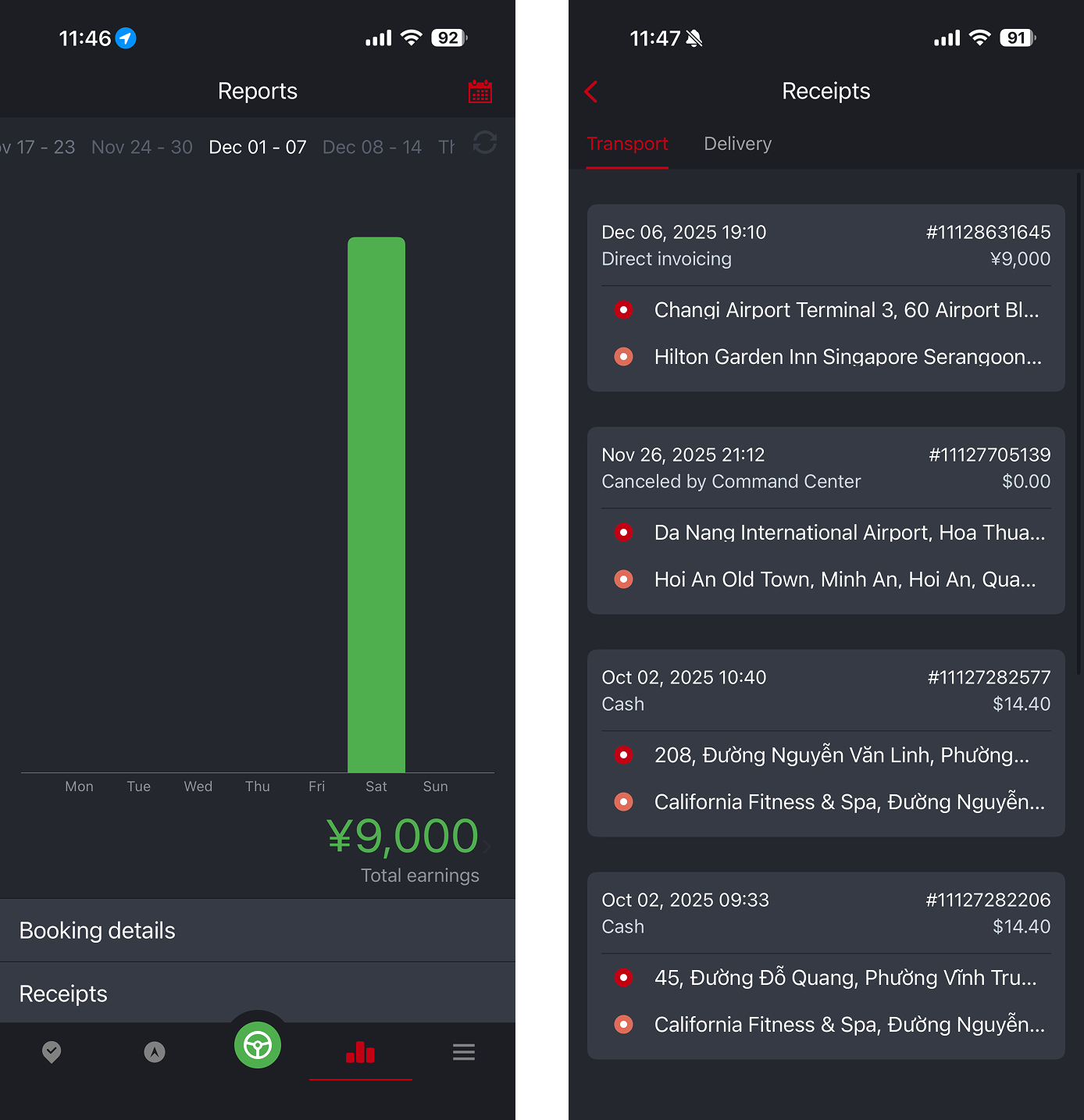
- View weekly earnings in the Reports section
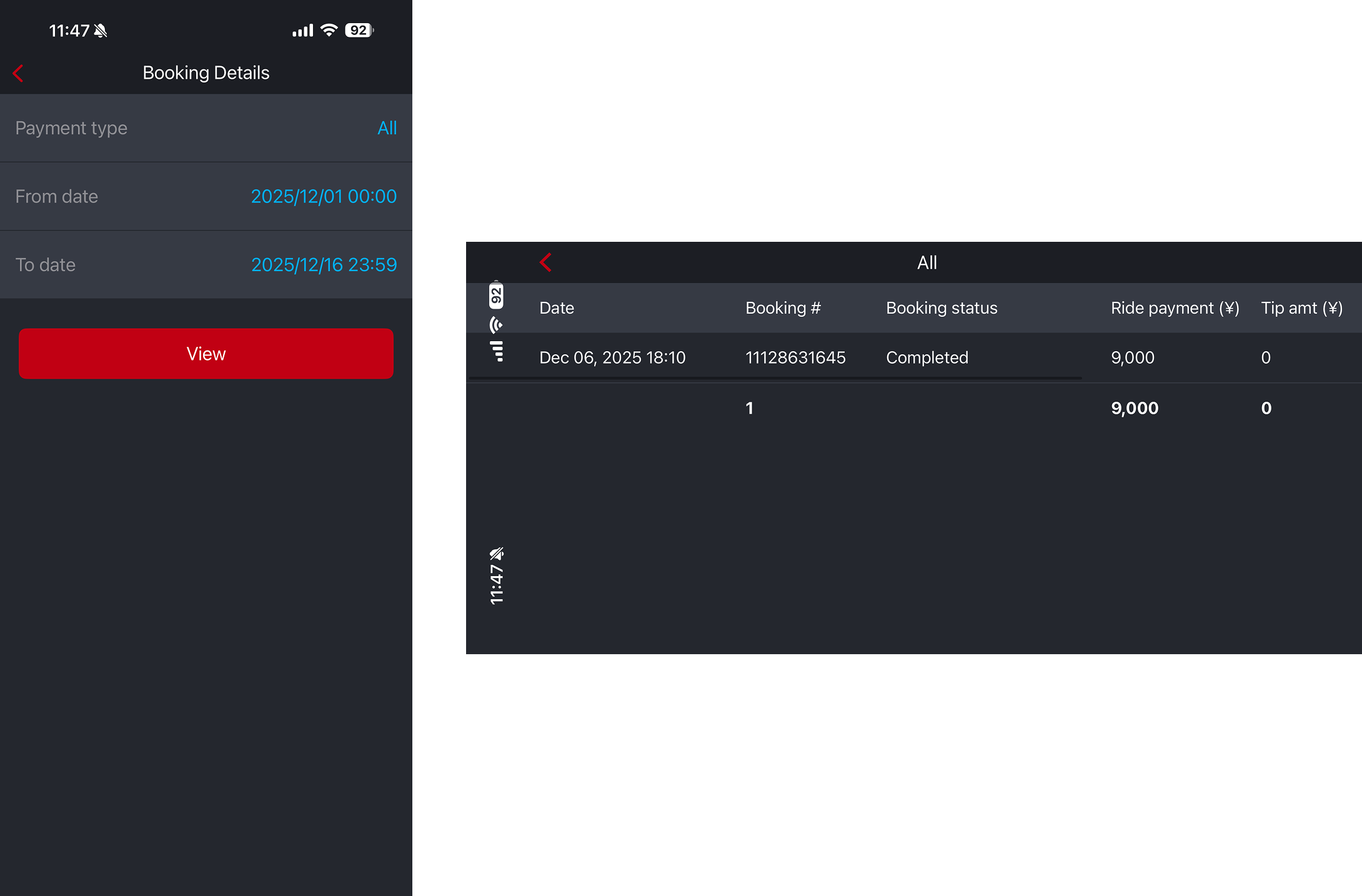
- Generate a report for any date range
- Tap on Receipts to view details of all completed bookings
More Menu
Inbox
Receive push notifications and messages from your fleet operator, including news and important announcements.
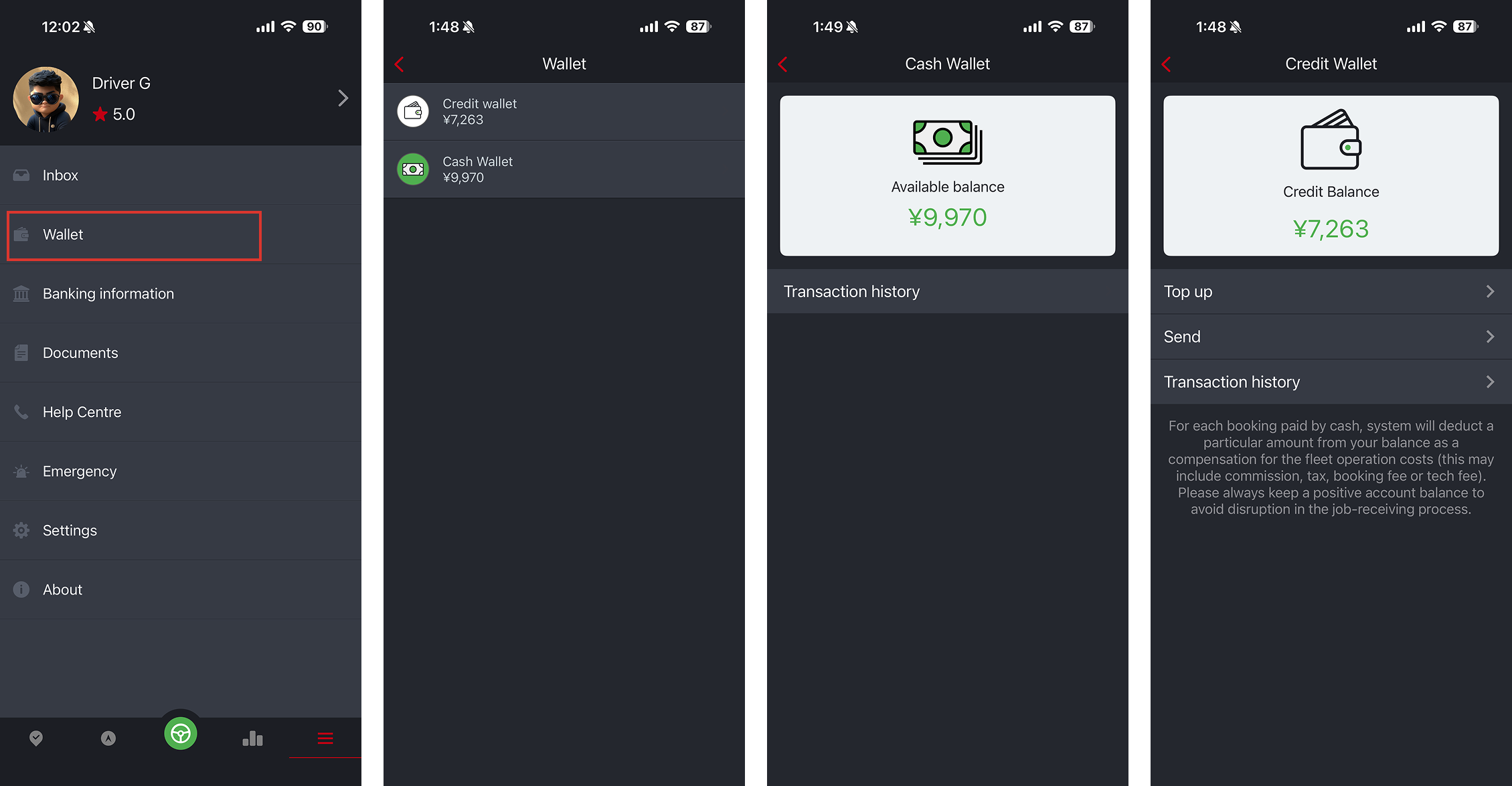
Wallet (Add-On Feature)
Manage your Credit and Cash Wallets.
- Credit balance is mainly for deducting cash booking commissions, or any fleet operational costs.
- Cash balance is the driver's payout earning. This is what the fleet owes the driver.
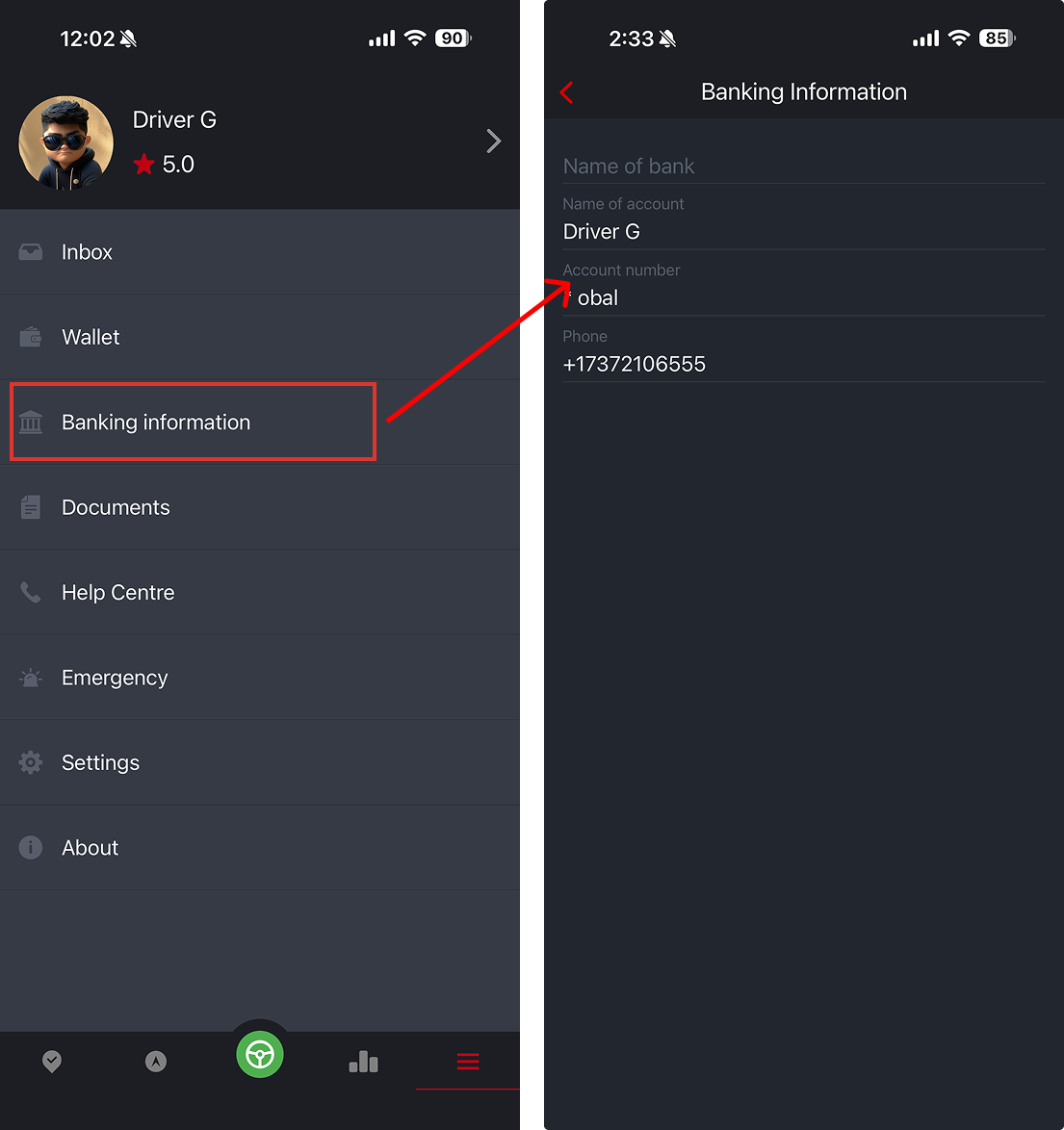
Banking Information (Add-On Feature)
View or edit your banking information. This is important for driver payouts. Fleet may need to configure setting to allow drivers to edit their bank info.
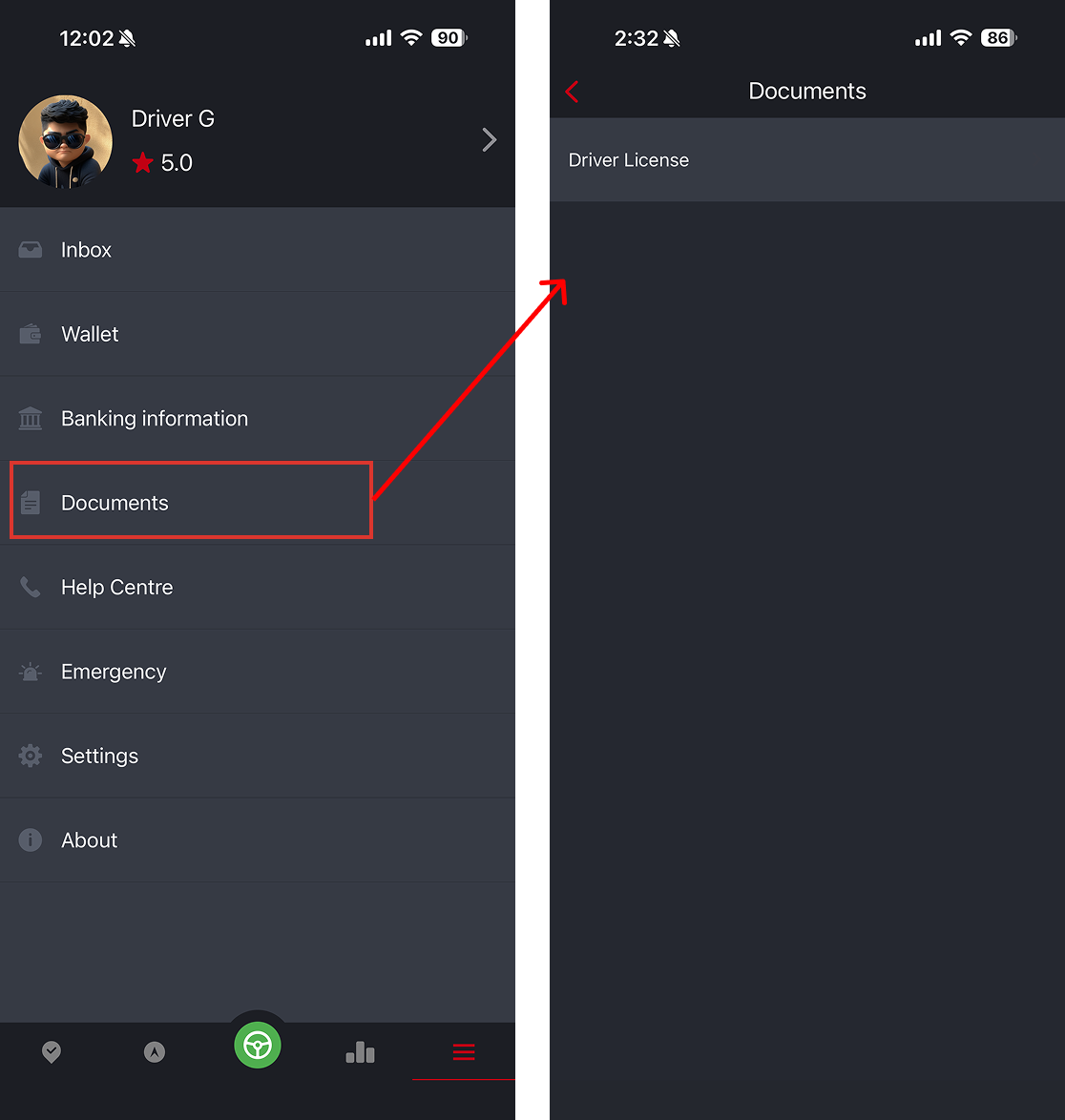
Documents
Quick access to all documents uploaded to your profile — helpful when showing documents to authorities. Drivers also have access to these documents to pull up during the trip.
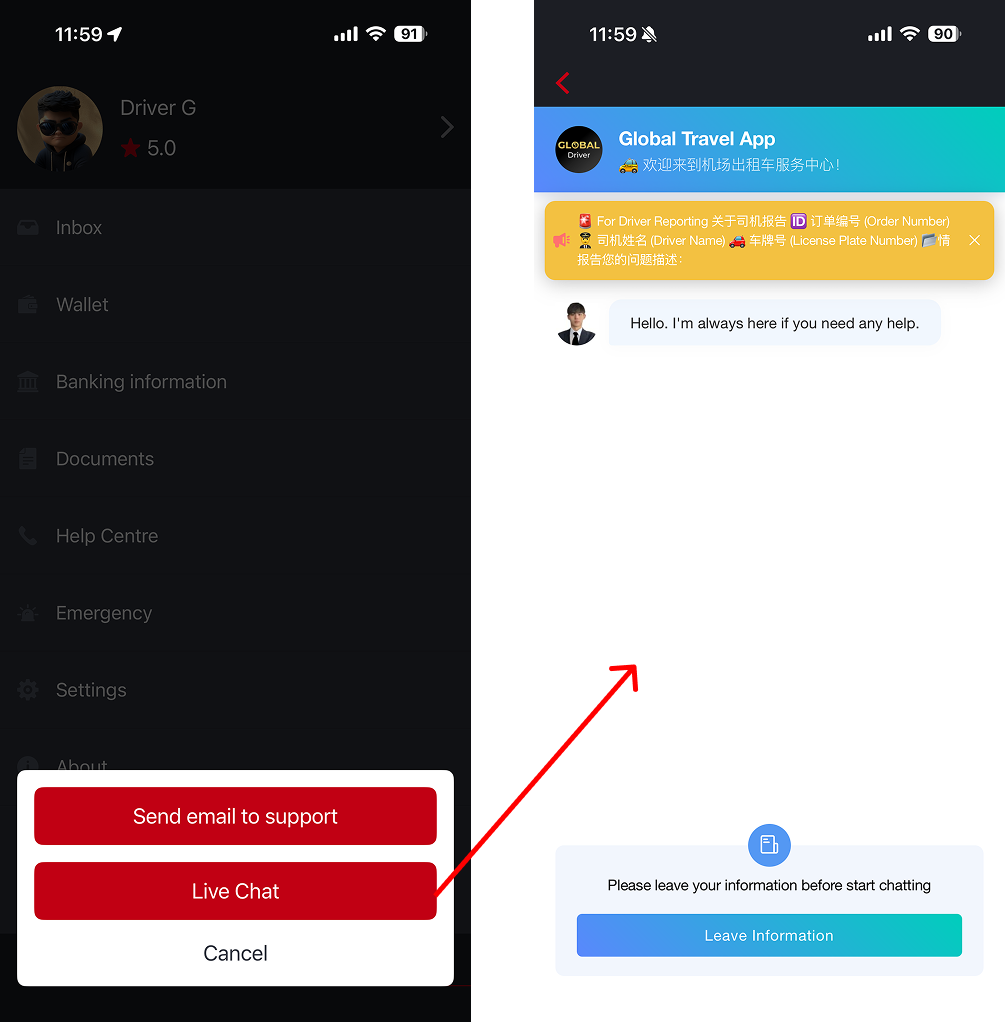
Help Center
Contact fleet support via email.
If your fleet uses a live chat provider (Freshchat, Intercom, Zendesk, etc.), it will be available here.
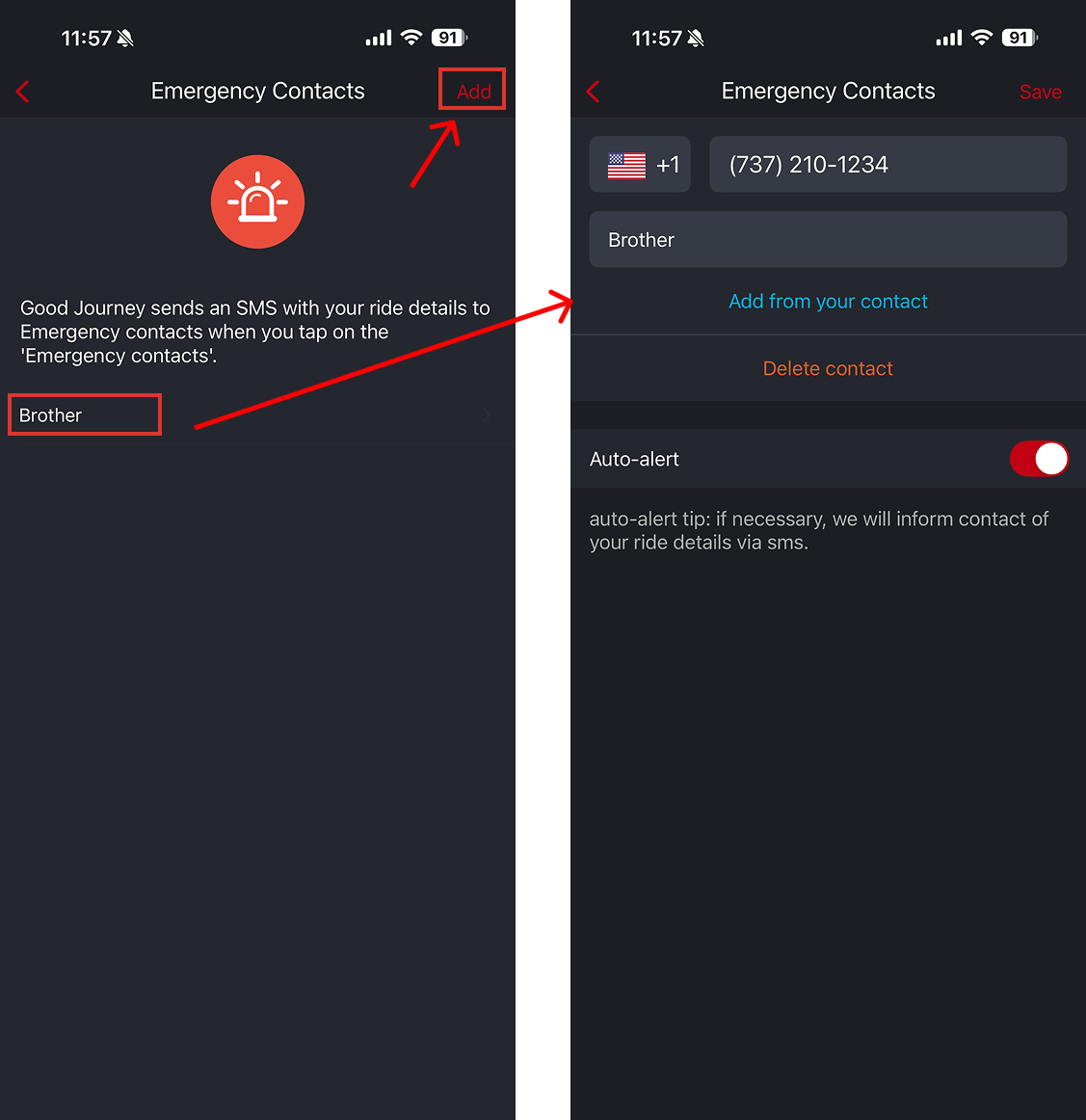
Emergency
Set emergency contacts. If you trigger an emergency alert, the system can automatically send an SMS to your designated contact.
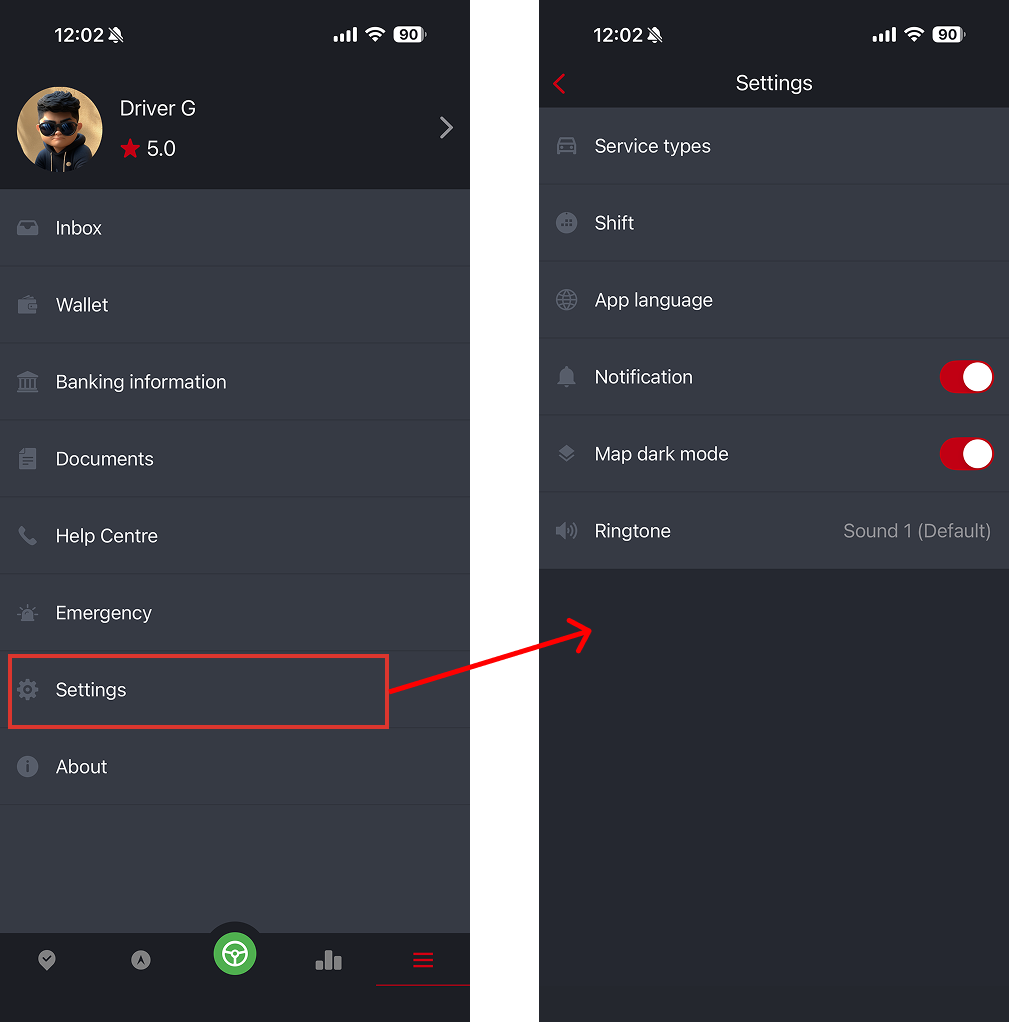
Other Settings
- Service Type – Choose the types of jobs you want to receive
- App Language – Select from 33+ supported languages
- Calendar Settings
- Inbox Notifications
- Change Job Ringtone
Was this article helpful?
That’s Great!
Thank you for your feedback
Sorry! We couldn't be helpful
Thank you for your feedback
Feedback sent
We appreciate your effort and will try to fix the article