Use this feature to import service zones for your Flat Rate configuration using a GeoJSON file, instead of drawing zones manually within the system.
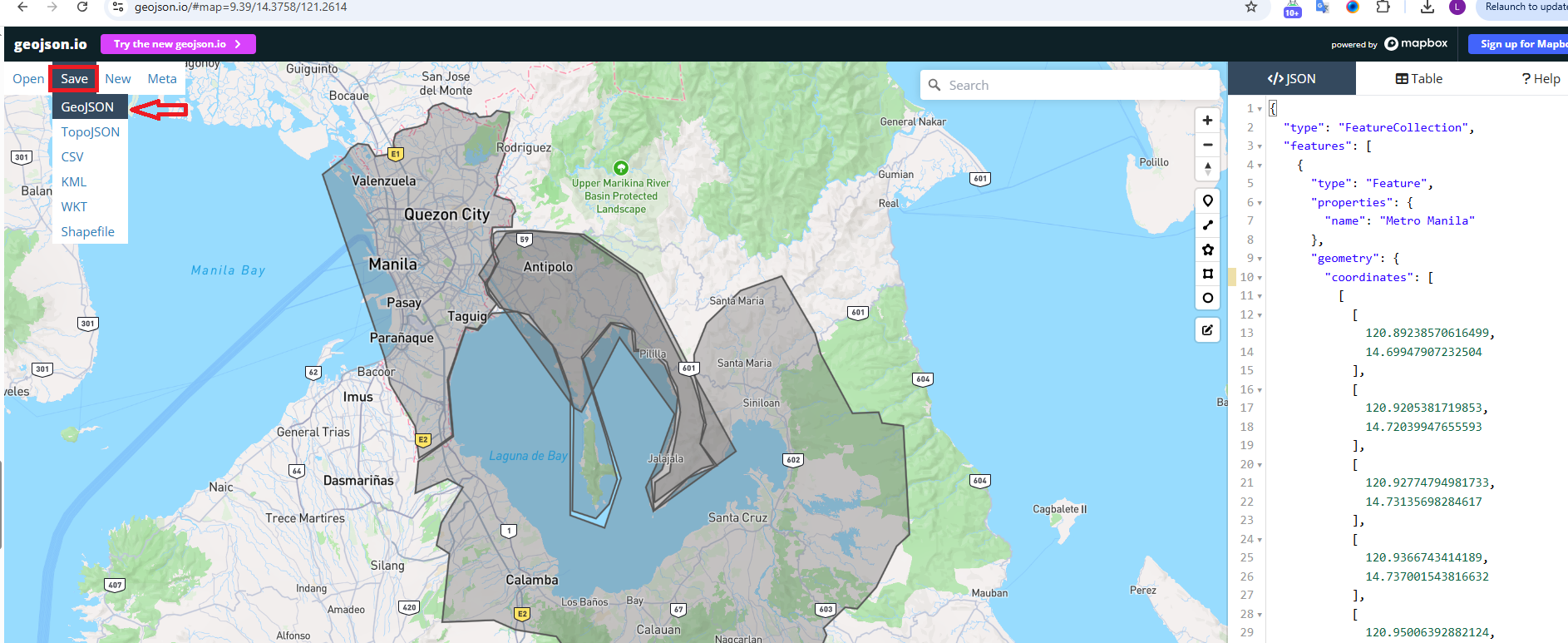
Step 1. Open https://geojson.io/#map=2/0/20 to generate your zones.
Step 2. Draw and define the required zone boundaries on the map, then save the file in GeoJSON format.
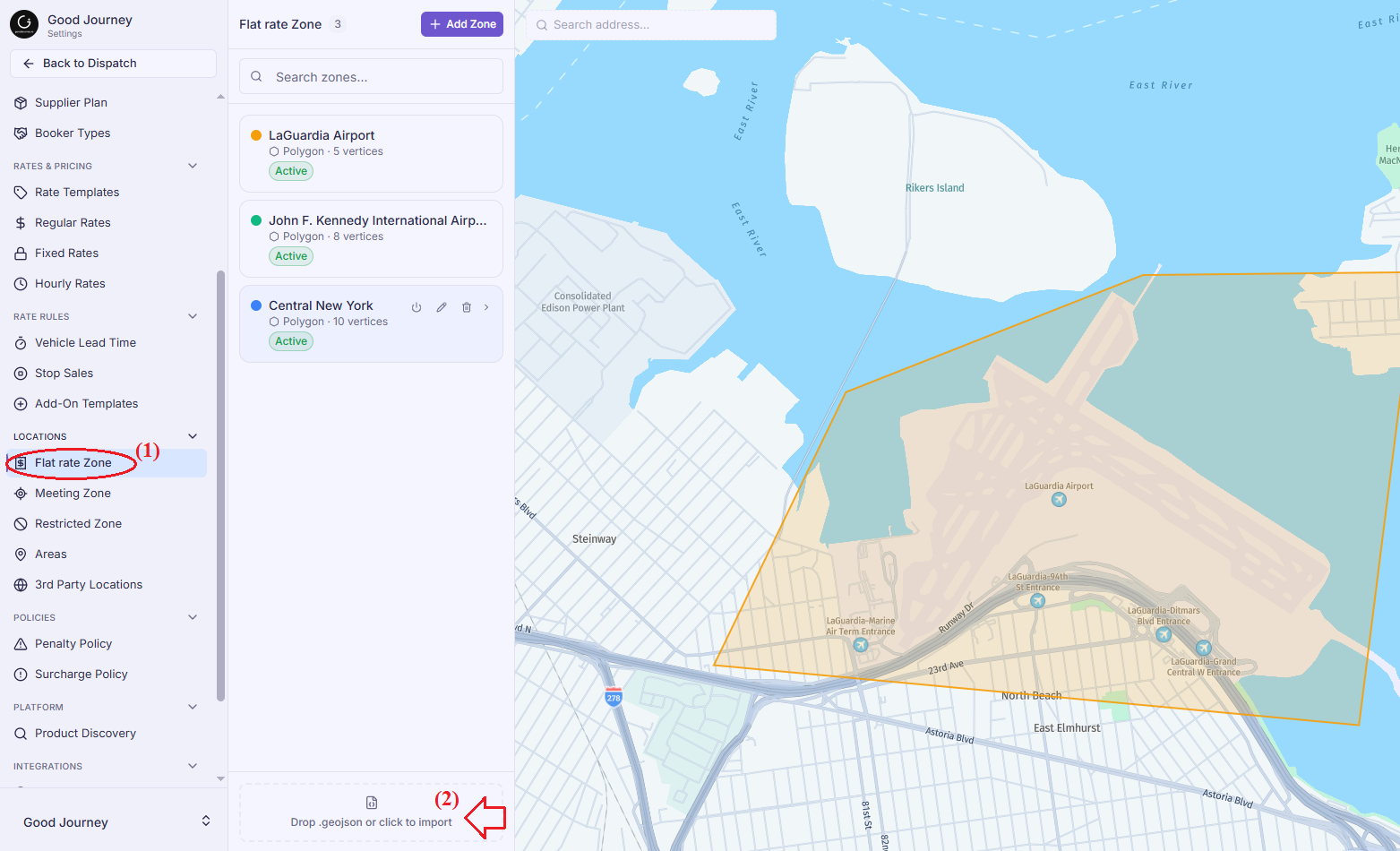
Step 3. Navigate to Settings → Locations → Flat Rate Zone.
Step 4. Drag and drop the GeoJSON file into the upload area, or click Import to upload the file.
Note: Ensure your zones are correctly defined before importing, as they will be used for Flat Rate zone-to-zone pricing.
Was this article helpful?
That’s Great!
Thank you for your feedback
Sorry! We couldn't be helpful
Thank you for your feedback
Feedback sent
We appreciate your effort and will try to fix the article